FOR DELIVERY-FIRST FOOD OPERATORS
Run every brand from one kitchen view.
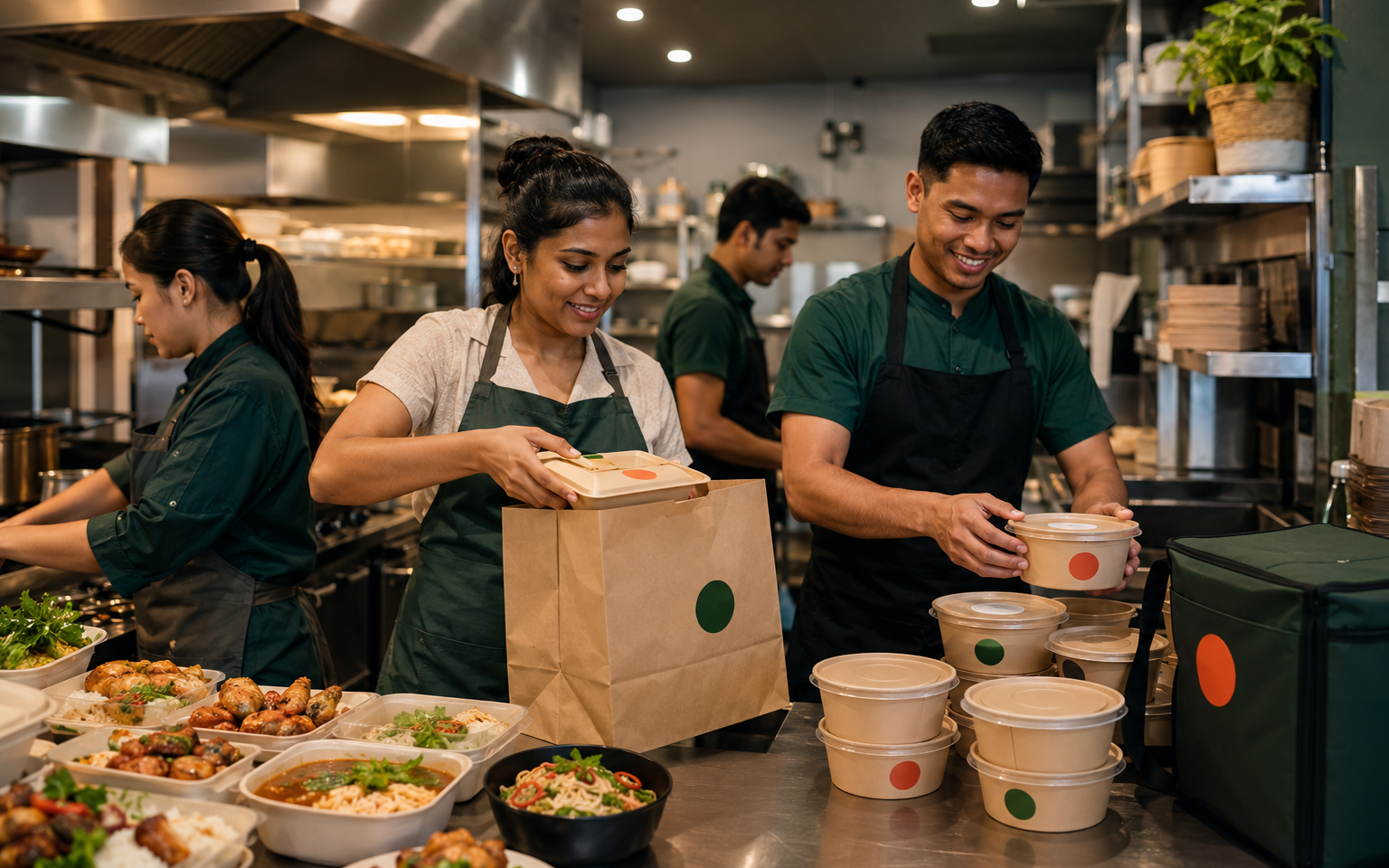
GrowthOS Cloud Kitchen helps independent operators coordinate virtual brands, menu availability, direct orders, prep handoffs and dispatch—without turning the screen into another source of chaos.
One kitchen, multiple brandsCrew and location scopesNo unverified integrations
KITCHEN CONTROLWest kitchen · Dinner
ILLUSTRATIVE12active orders3virtual brands2need attention
TEN COMPLETE TEST CUSTOMERS
Choose a kitchen. Run a sample shift.
Every fictional tenant includes virtual brands, live-style orders, station load, capacity, dispatch, incidents and role-based team access.MMIndia · 3 virtual brandsMumbai Meal Factory
Move one crew member to the tandoor station before the dinner peak.
- Active orders
- 22
- Capacity
- 84%
Approve the lunch menu changes before reopening the third brand.
- Active orders
- 17
- Capacity
- 69%
Protect promised times by pausing low-margin customizations for 20 minutes.
- Active orders
- 28
- Capacity
- 92%
Confirm late-night brand windows and packaging stock for supper service.
- Active orders
- 19
- Capacity
- 76%
Resolve the shared fryer bottleneck across two high-demand brands.
- Active orders
- 21
- Capacity
- 79%
Reopen the paused curry brand after the ingredient count is confirmed.
- Active orders
- 15
- Capacity
- 64%
Reduce the overloaded grill queue and reset realistic order promises.
- Active orders
- 24
- Capacity
- 87%
Review the new family-meal packaging workflow before the evening wave.
- Active orders
- 18
- Capacity
- 72%
Publish the approved bilingual menu updates across the sample brands.
- Active orders
- 16
- Capacity
- 67%
Confirm rice production capacity before accepting the next order wave.
- Active orders
- 20
- Capacity
- 78%
ONE KITCHEN CONTROL LAYER
Give every order a visible owner and next step.
GrowthOS connects the customer-facing details with the kitchen decisions behind them. It does not claim to replace a POS, KDS, inventory, payroll or staff-scheduling system.Multi-brand control
Keep each virtual brand, menu, availability window and owner separated while the kitchen team works from one operating view.
Menu availability
Pause an item or service window at the kitchen level and review which managed brand and ordering surface is affected.
One direct-order queue
Bring GrowthOS direct orders into a shared queue. Marketplace or POS ingestion remains dependent on a confirmed integration.
Prep handoffs
Assign a preparation state, promised time and accountable station so the next action is visible without exposing every brand setting.
Pack and dispatch checks
Confirm order identity, packaging, allergen notes and handoff state before an order leaves the kitchen.
Location-scoped access
Limit owners, brand managers, kitchen leads, packers and analysts to the locations and actions required for their roles.
RUN THE SERVICE
A calm handoff from order to dispatch.
Each step is designed around accountable status, role boundaries and the information the crew needs at that moment.
- 01Open the right brandsConfirm service windows, menu availability and location readiness before accepting direct orders.
- 02Route the next actionMove accepted orders into visible prep states with promised times and attention flags.
- 03Check before handoffReview identity, modifiers, approved allergen notes, packaging and dispatch readiness.
- 04Learn by brand and shiftReview direct-order outcomes and operational exceptions using only the data connected to GrowthOS.
ILLUSTRATIVE OPERATING VIEW
One shift. Three brands. Clear responsibility.
PROTOTYPE DATAOrder CK-1842 · Butter Chicken Co.
Two orders need final verification.
Awaiting confirmed pickup or delivery handoff.
Compare only connected, attributable direct-order data.
GROWTHOS CLOUD KITCHEN
Make the kitchen easier to run before adding another brand.
Start with one location, direct-order visibility and clear crew roles. Expand only after the operating workflow is reliable.